Home Designer®
DIY Home Design Software
Home Designer is the best home design software for home design, remodeling, kitchen & bath design, and cost estimation. Discover why millions of do-it-yourselfers choose Home Designer from Chief Architect software as their preferred home design software to create their dream homes.
Why Choose Home Designer?
Home Designer is the best-selling home design software for DIY because it's from Chief Architect, the leading professional home design software company — and not some generic software publisher. Watch the overview video and see how Home Designer can help with your next project.


3D Rendering & Design
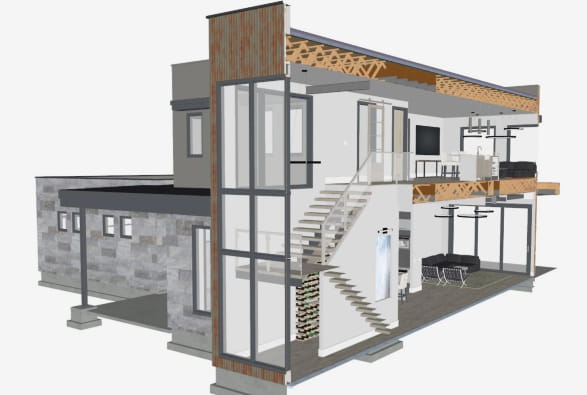
Home Designer makes it easy to see your designs in 3D before you build or remodel. Visualize your next home project with realistic 3D views, cross-sections, and elevations. See our Home Designer sample gallery.
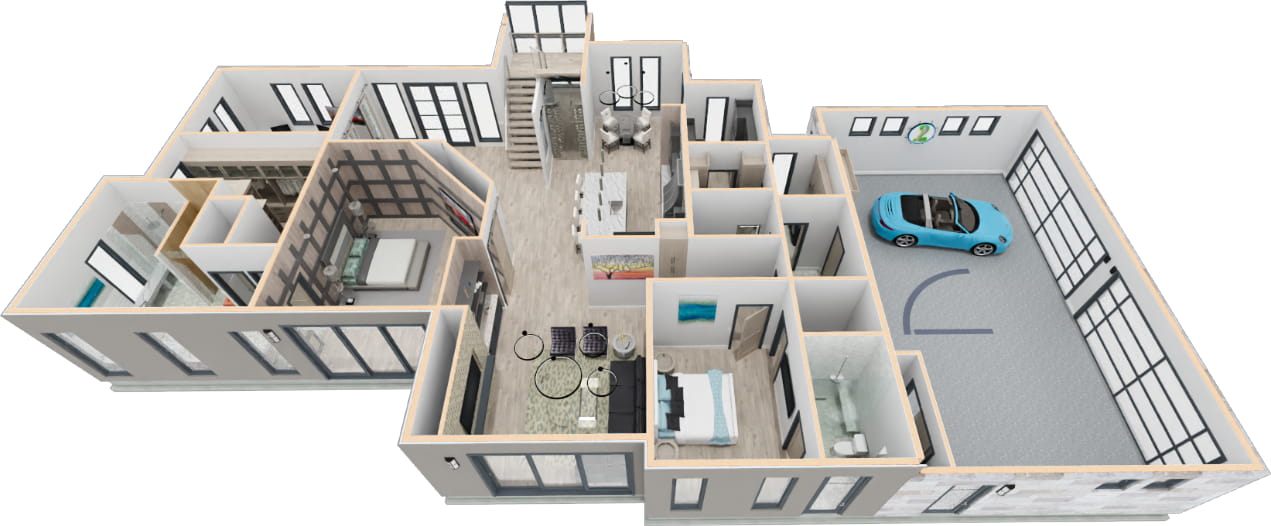
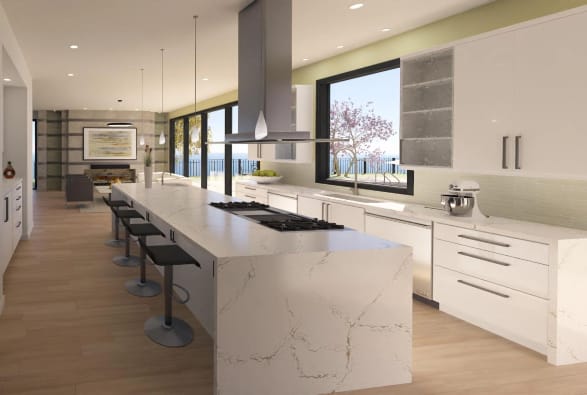
Photo Realistic 3D Rendering
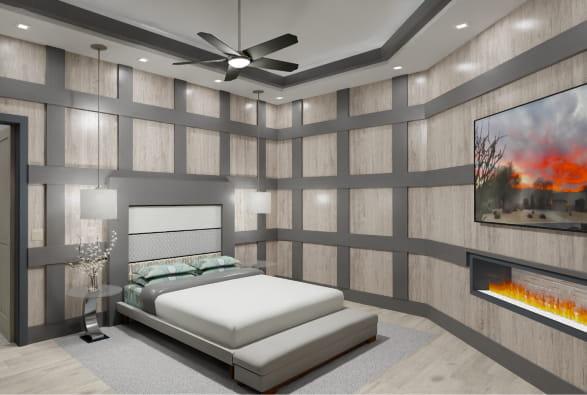
With real-time ray-trace rendering, you can achieve realistic 3D views that accurately depict materials, lighting, and shadows.
Cross-Sections & Elevations
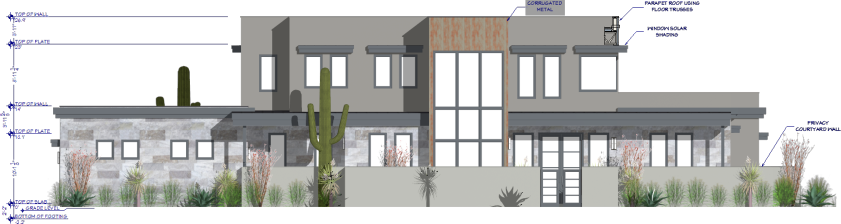
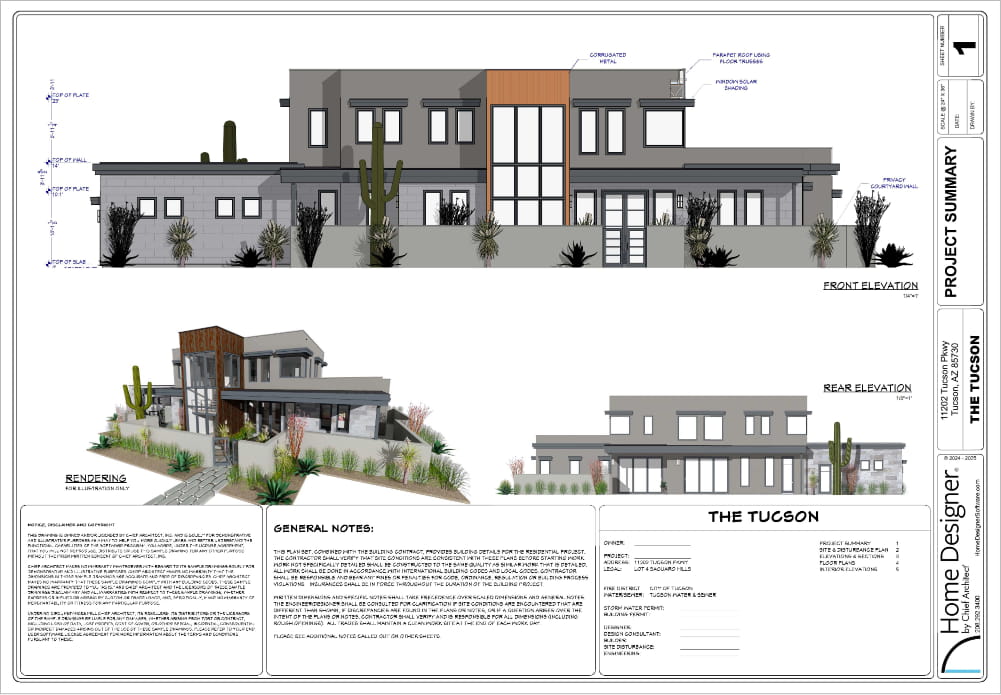
Create detailed cross-sections and elevations with notes and dimensions.
3D Walkthroughs & 3D Viewer Models
Record virtual tour walkthrough videos. Export interactive 3D Viewer models of your design to the Chief Architect cloud and share with your builder, friends and family on their mobile devices.
Artistic 3D Rendering
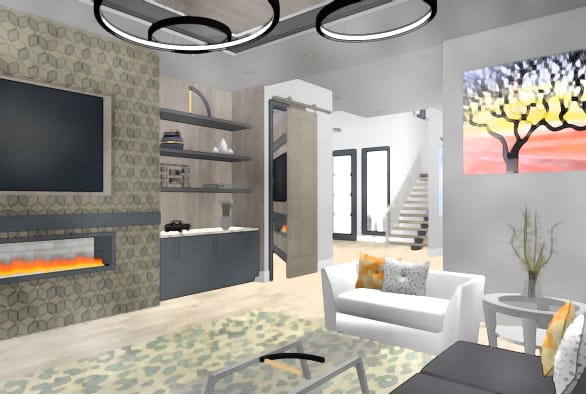
Use artistic 3D views, including glass house wireframe, watercolor, technical illustration, and vector techniques.
Interior Design
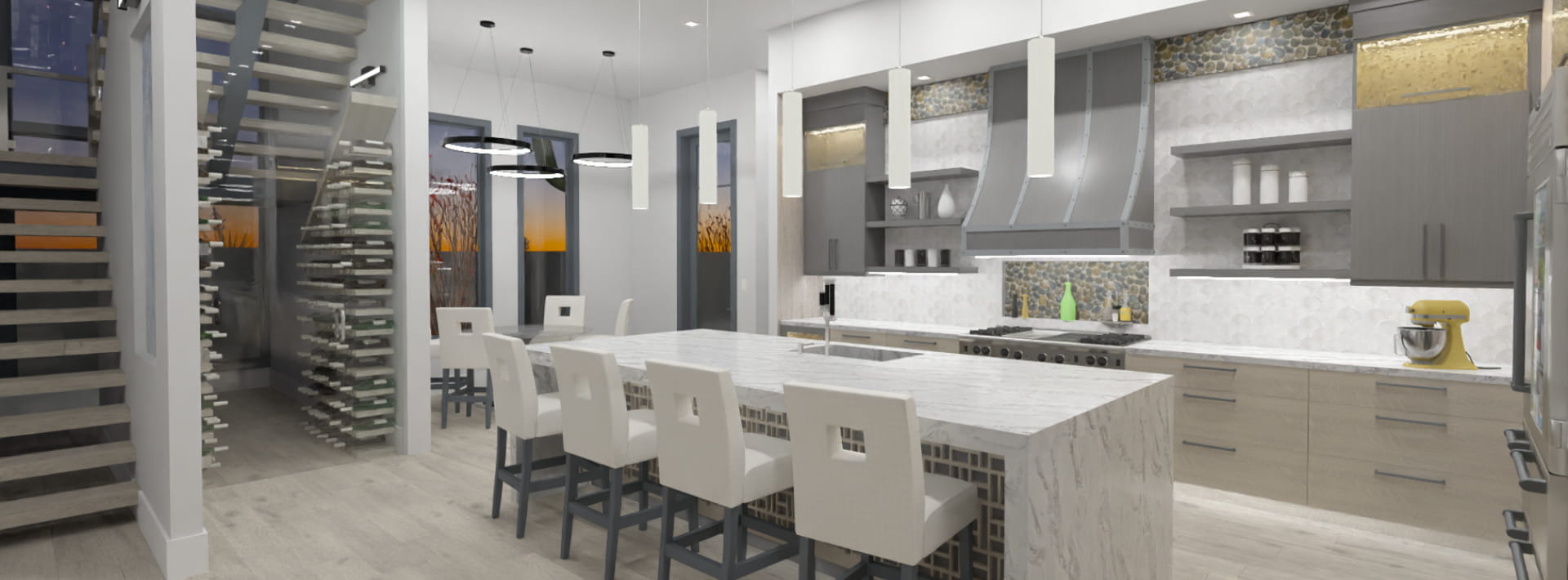
Remodeling an interior, kitchen, or bath? Home Designer can help with smart design tools. Design a 2D floor plan, visualize it in 3D, and price it with a materials takeoff before you remodel.
Cabinets are Smart Objects
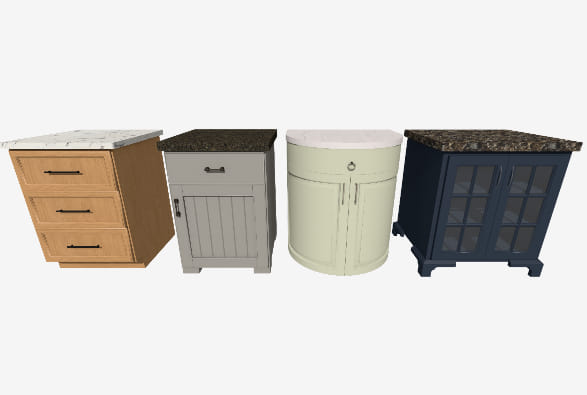
Cabinets automatically conform to common kitchen and bath standards, bump to walls, and snap together, forming continuous countertops. Cabinets are fully customizable with various door and drawer styles, countertops, wood species, paints, and stains.
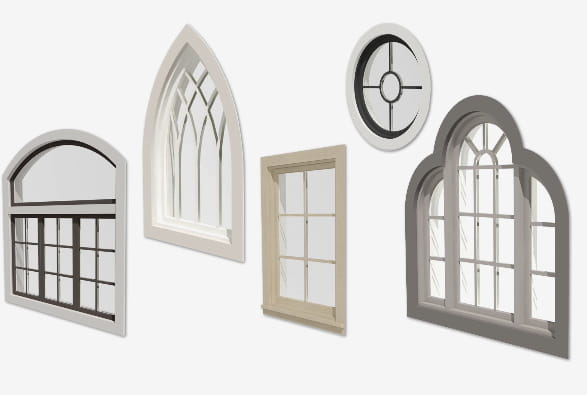
Doors & Windows
When you place a door or window in a wall, the program automatically frames the opening accurately, including the header. Several styles, options, and shapes are available for customization.
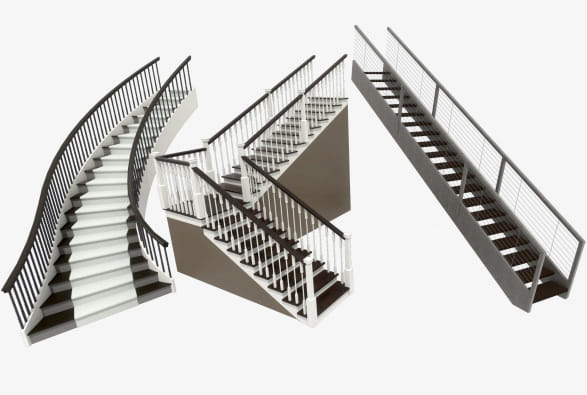
Stairs & Ramps
Straight, L-shaped, U-shaped, and curved stairs automatically connect floors and create stairwells with railings. Stairs and ramps can be customized to create a variety of styles and options.
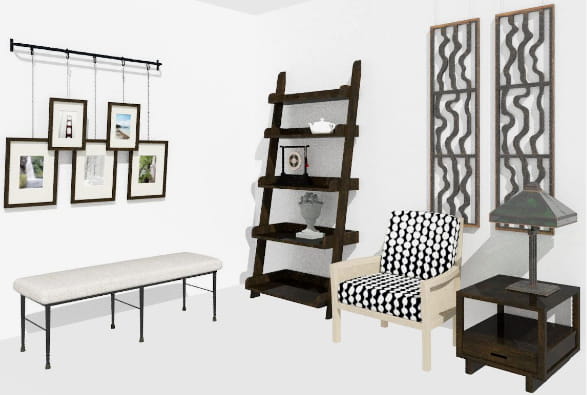
Free Library Catalog Downloads
Home Designer offers a core library of architectural elements to enhance your project. Additionally, a library of bonus and manufacturer items is available for free download on our 3D Library.
Automated Building Tools
One of the most powerful features of Home Designer is accurate automatic building tools consistent with the home building industry.

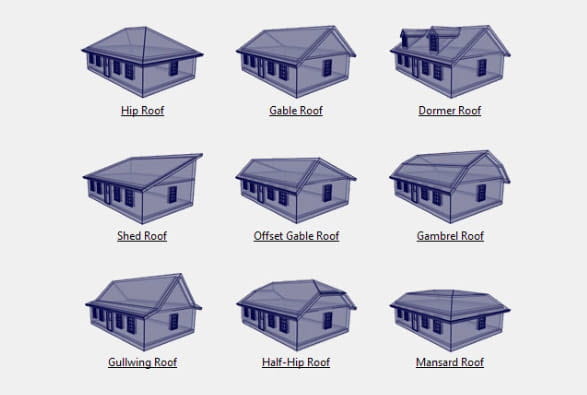
Automatic Roofs
Popular roof styles are available with step-by-step instructions and are updated as you change your design. Need more? Use the manual roof tool for custom designs.
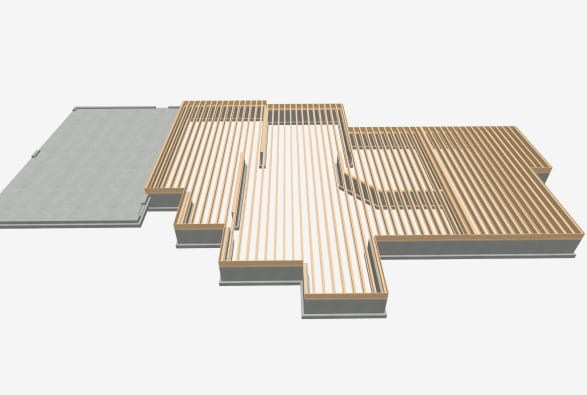
Automatic Floors & Foundations
Floor platforms build automatically, include structural components and can be easily raised or lowered by room. Foundations generate automatically with footings and update as the main floor plan changes.
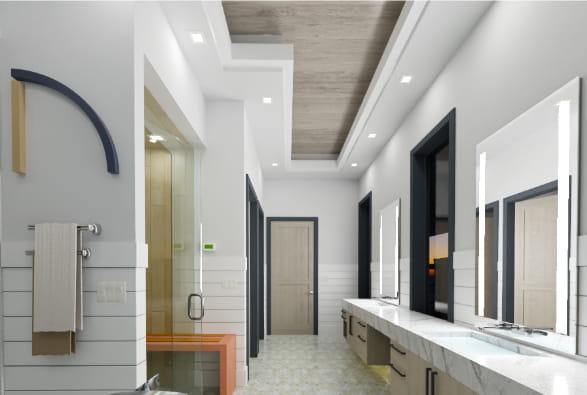
Automatic Ceilings
Ceilings are generated automatically for each room. Home Designer provides several options for creating cathedral, shed, or vaulted ceilings.
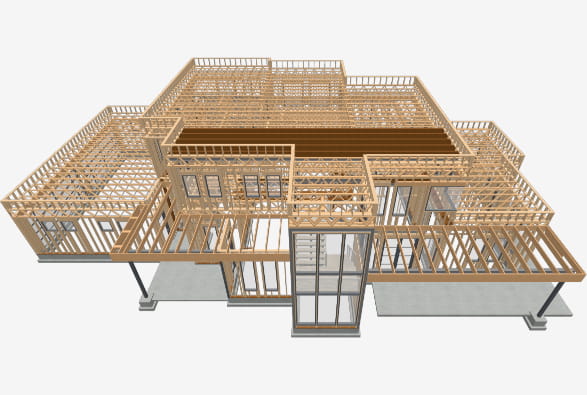
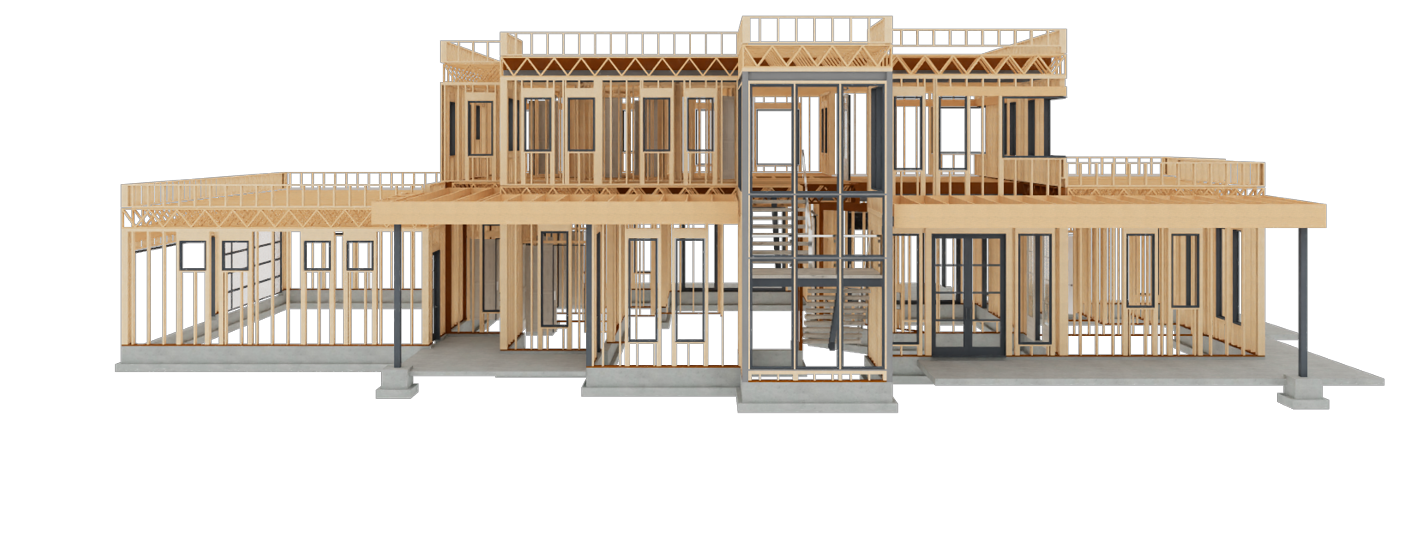
Automatic & Manual Framing
Home Designer automatically builds accurate framing as you draw, including studs, joists, rafters, trusses, beams, and posts. Manual framing tools offer enhanced control, allowing for adjustments to be made.
Layout Sheets & Construction Drawings
Create scaled construction documents with floor plans, cross-sections, and elevations—everything you might typically need for a contractor or your building department.

Terrain & Site Plans
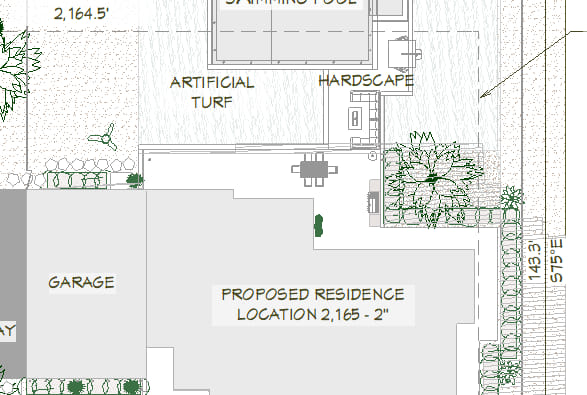
Develop site and terrain plans to illustrate the precise location of the house or remodeling additions, including the lot boundary, setback requirements, and additional details.
Decks & Patios
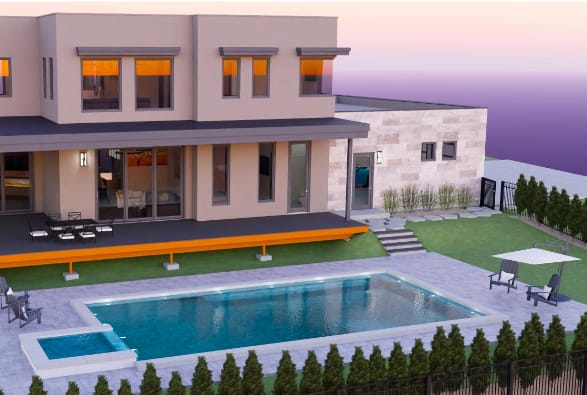
When creating a deck, you can specify the orientation of the deck planking, the gaps between planks, the width, overhang, direction, and border planks. Once finished, generate a complete list of materials.
Cost Estimating & Materials Lists
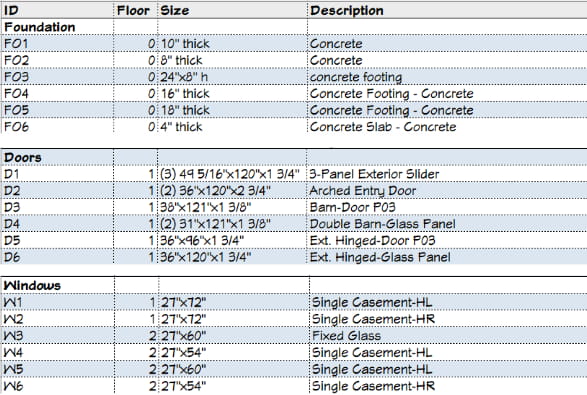
As you build your model, Home Designer generates a list of all the materials in your design. You can assign prices to create cost estimates.
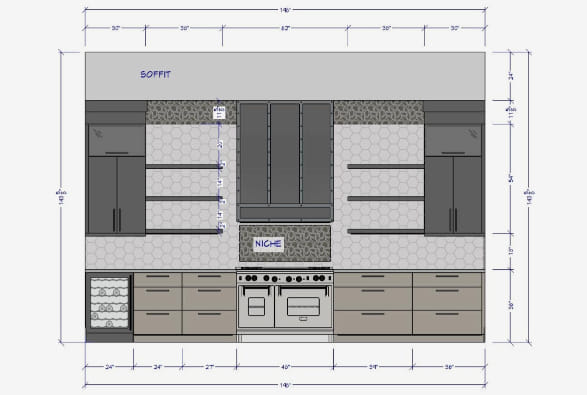
Automatic & Manual Dimensioning Tools
Dimensions can be generated automatically for both the floor plan and interior rooms. Utilize the manual dimension tool for added detail in plans and elevations.