![]() |
Home Designer Pro 9.0 | Architectural Home Designer 9.0 | Home Designer Suite 9.0 | Home Designer 9.0 | Landscaping & Deck Designer 9.0 | Interior Designer 9.0 |
![]() |
![]() |
![]() |
![]() |
![]() |
![]() |
|
| $495 | $199 | $99 | $59 | $79 | $79 | |
| Design Tools | ||||||
|---|---|---|---|---|---|---|
| Design Templates aid in quickly beginning a new project | 60+ | 60+ | 35+ | 15+ | 40+ | 20+ |
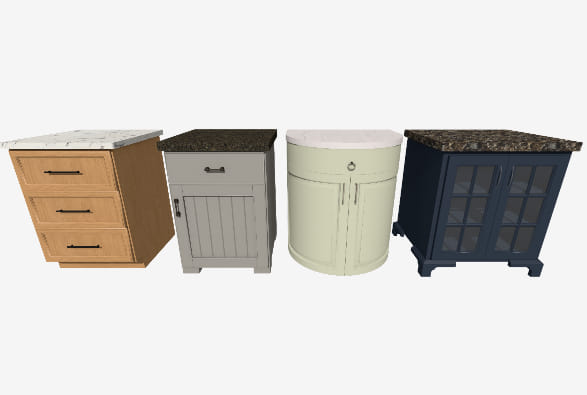
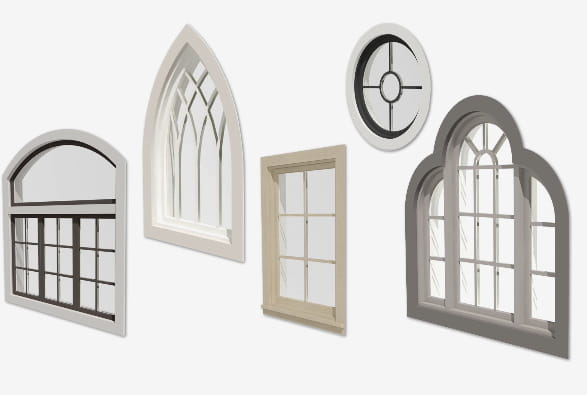
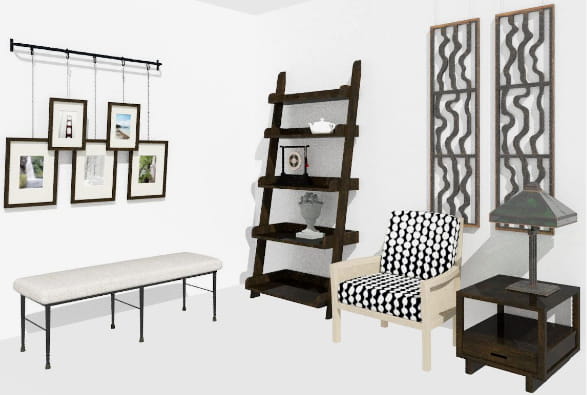
| Library Items to customize and create designs | 9,500+ | 8,500+ | 7,000+ | 5,000+ | 5,500+ | 5,000+ |
| Advanced library items – Cabinet/Door Hardware, and molding profiles | ![]() |
![]() |
- | - | - | Moldings Only |
| Ability To Read Custom Libraries | ![]() |
- | - | - | - | - |
| Ability to Add items to the Library Browser | ![]() |
![]() |
![]() |
- | ![]() |
![]() |
| Ability to Export Custom Libraries – Share your libraries with other Home Designer Users | ![]() |
![]() |
![]() |
- | ![]() |
![]() |
| Enhanced editing feedback – preview the placement and orientation of objects while moving your cursor makes adding and moving items easy and fast | ![]() |
![]() |
![]() |
![]() |
![]() |
![]() |
| Use layers to control the display of labels in plan views – Architectural Blocks, Cabinets, Electrical, Fixtures, Funiture, Shapes, Hardware, Millwork, Plants and Sprinklers | ![]() |
![]() |
![]() |
![]() |
![]() |
![]() |
| Show or hide Electrical Connections, Architectural Blocks, Hardware, Schedules and Light Sources using layer controls | ![]() |
![]() |
![]() |
![]() |
![]() |
![]() |
| Free Sample home plans | 5,000 | 2,500 | 1,500 | 500 | - | 1,000+ |
| Create Billboard Image tool allows you to import a photo of your home and add Landscaping | ![]() |
![]() |
![]() |
![]() |
![]() |
![]() |
| Reference Display Tool – Turn on a Reference of adjacent floors to aid in designing multi-tiered decks or room layout between floors | ![]() |
![]() |
![]() |
![]() |
![]() |
![]() |
| House Wizard™ provides more control over choosing the room types for each floor | ![]() |
![]() |
![]() |
![]() |
- | ![]() |
| Model Maker™ tool allows you to print 3D models for assembly | ![]() |
![]() |
![]() |
![]() |
- | - |
| Virtual Graph Paper™ displays a reference grid | ![]() |
![]() |
![]() |
- | ![]() |
![]() |
| Plan Check™ reviews your design against basic building principles | ![]() |
![]() |
![]() |
![]() |
- | - |
| IRC – Residential Design Checklist to review your design against national building codes | ![]() |
- | - | - | - | - |
| Standard Cabinet Tools | ![]() |
![]() |
![]() |
![]() |
- | ![]() |
| Advanced Cabinet Tools – attach moldings & hardware, angled front cabinets and more | ![]() |
![]() |
- | - | - | - |
| 3D Tools | ||||||
| Import 3D Library objects in 3DS, OBJ, & Sketchup formats | ![]() |
![]() |
![]() |
- | - | - |
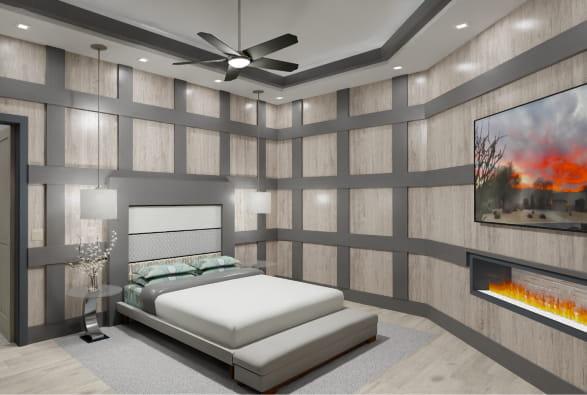
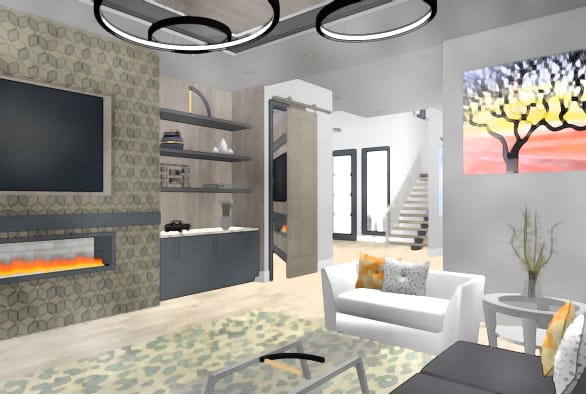
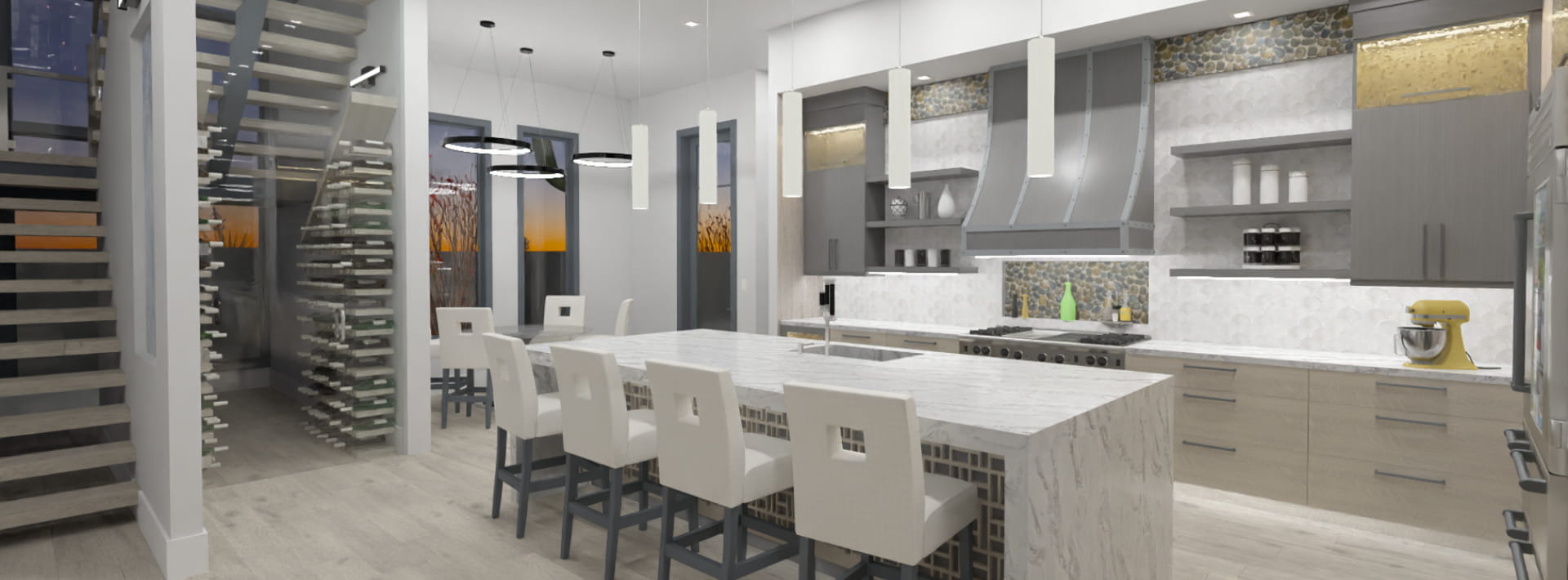
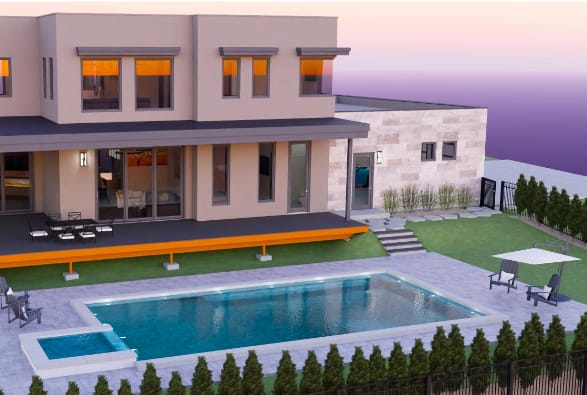
| Create photo-realistic 3D renderings with shadows in interior and exterior scenes | ![]() |
![]() |
![]() |
![]() |
![]() |
![]() |
| Use the Rendering Techniques tools to create artistic views of your designs like Water Color, Technical Illustration and Vector Views | ![]() |
![]() |
- | - | - | ![]() |
| Create accurate day or night-time views of your lighting plan | ![]() |
![]() |
![]() |
![]() |
![]() |
No Night Views |
| Define custom lighting with shadows, attenuation, intensity and more | ![]() |
![]() |
- | - | - | - |
| Save and load 3D and Render Views to quickly view your favorite camera images | ![]() |
![]() |
![]() |
- | ![]() |
![]() |
| Full control of render settings allows you to customize your photo-realistic rendering for speed or visual quality | ![]() |
- | - | - | - | - |
| Delete Surface tool. Explore your structure in 3D by temporarily removing surfaces without changing your design | ![]() |
![]() |
- | - | - | - |
| Line-based "blueprint" – style 3D views | ![]() |
- | - | - | - | - |
| Define the North Pointer for Sun Angles | ![]() |
- | - | - | - | - |
| Create 3D objects (countertops, slabs, terrain features and more) from CAD objects | ![]() |
- | - | - | - | - |
| Panoramic or Spherical backdrops. Backdrops rotate to make 3D walkthroughs more realistic | ![]() |
- | - | - | - | - |
| Aerial View gives overview for fast navigation of plan while editing | ![]() |
- | - | - | - | - |
| Material eye-dropper and Color Chooser™ allow "drag-and-drop" application of materials and colors | ![]() |
![]() |
![]() |
![]() |
![]() |
![]() |
| Blend Color tool allows you to change the color of any material while retaining its texture | ![]() |
![]() |
![]() |
![]() |
![]() |
![]() |
| Record Walkthroughs along a specified path | ![]() |
![]() |
![]() |
- | - | - |
| Record Walkthroughs with the stylized views of Rendering Techniques | ![]() |
![]() |
- | - | - | - |
| Cost Estimating/Materials List | ||||||
| Standard Project Cost Estimator automatically generates a materials list for budgeting and planning an entire project | ![]() |
![]() |
![]() |
House Materials | Deck & Landscaping Materials | Interior Materials |
| Advanced Project Cost Estimator automatically generates a materials list for budget planning, by room, by floor or by entire project | ![]() |
![]() |
![]() |
- | - | - |
| Export Material Lists to spreadsheet programs including Microsoft® Excel | ![]() |
![]() |
![]() |
![]() |
![]() |
![]() |
| Save snapshot Material Lists for different stages of the project. Allows you to evaluate different ideas, compare cost differences and plan stages of construction | ![]() |
- | - | - | - | - |
| Add detail to each individual component in the material list for a comprehensive cost estimate breakdown. For example, assign components to your cabinets, such as doors, pulls, and hinges and assign costs for each item | ![]() |
- | - | - | - | - |
| Master List allows you to store and manage commonly-used material prices | ![]() |
- | - | - | - | - |
| Dimension Tools | ||||||
| Manual and Automatic dimensioning. Includes One-Click™ Automatic dimensions | ![]() |
![]() |
![]() |
![]() |
![]() |
![]() |
| Temporary dynamic wall dimension – displays temporary dimensions as walls are drawn | ![]() |
![]() |
![]() |
![]() |
![]() |
![]() |
| Advanced dimensioning tools including angular, end-to-end, and interior dimensions | ![]() |
Interior Dimensions | Interior Dimensions | - | - | Interior Dimensions |
| Fully editable dimension lines, and configurable dimension editing. Change where dimensions locate walls, windows, doors, and other objects, both when generating dimensions automatically or manually | ![]() |
![]() |
- | - | - | - |
| Manually enter dimensions (lengths or angles) to precisely position walls and objects. Use dimensions to quickly position objects with precision | ![]() |
Lengths | Lengths | Lengths | Lengths | Lengths |
| CAD/Elevation Tools | ||||||
| Export plans in DXF file format | ![]() |
![]() |
![]() |
- | - | - |
| Standard CAD tools to detail your designs | ![]() |
![]() |
![]() |
- | - | - |
| Advanced CAD tools to detail cross-section views with insulation, cross-boxes, and more | ![]() |
- | - | - | - | - |
| Advanced CAD editing tools such as replicate, line weights, point-to-point move, custom patterns, and more. Compatible with AutoCAD® patterns | ![]() |
- | - | - | - | - |
| CAD-to-Walls™ – Convert CAD lines from DXF file format to walls. Convert plans created in other CAD programs | ![]() |
- | - | - | - | - |
| Visual CAD Snaps™ feature with setup dialog and snap options to control | ![]() |
![]() |
- | - | - | - |
| Layers can be used to separate key building components such as electrical or framing. Display or hide features of your design, set colors, lock layers, and use reference layers for precise editing | ![]() |
Limited | Limited | Limited | Limited | Limited |
| Create back-clipped Cross Section\Elevation Views to limit your view to relevant details for precise plan editing | ![]() |
- | - | - | - | - |
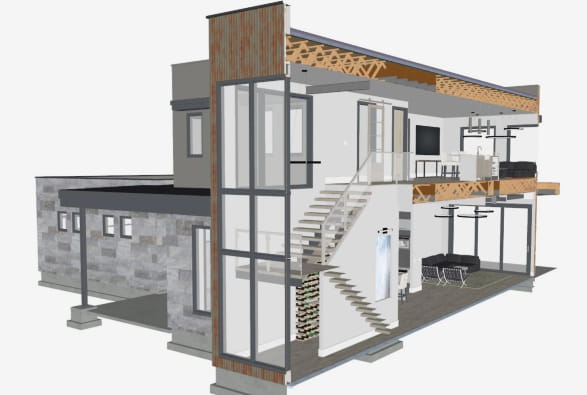
| Create Rendered Cross-Section Views with photo-realistic textures | ![]() |
![]() |
![]() |
![]() |
![]() |
![]() |
| Building Tools | ||||||
| Automatic building tools for roof generation, stairs, dimensioning, foundations, and more | ![]() |
![]() |
![]() |
![]() |
![]() |
![]() |
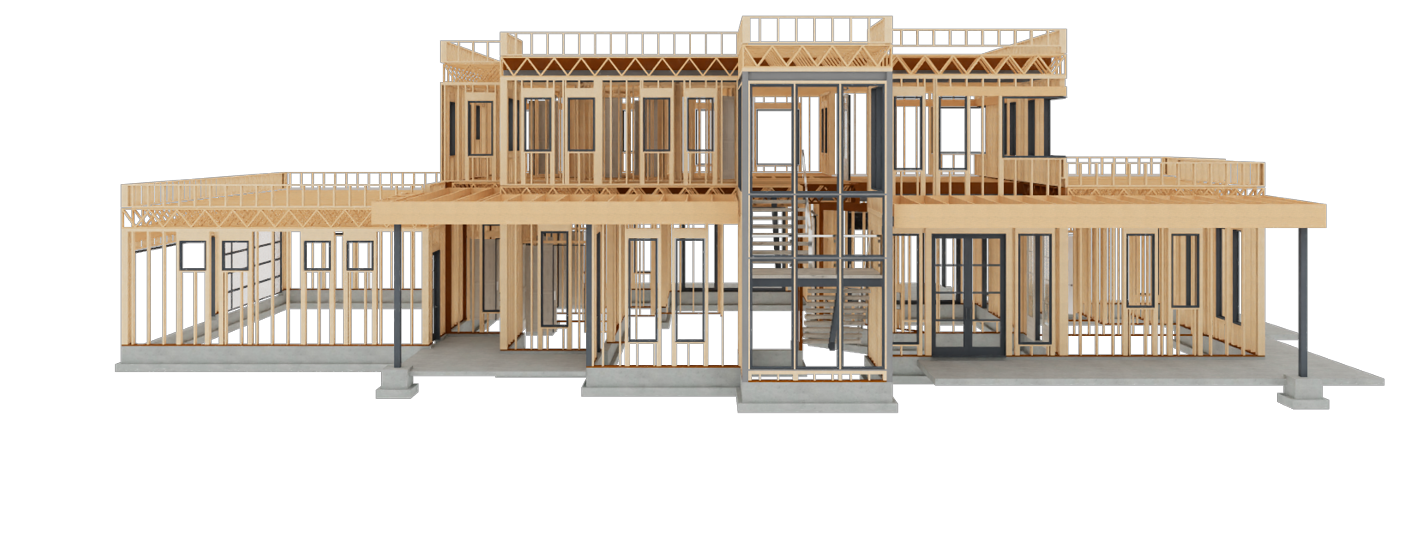
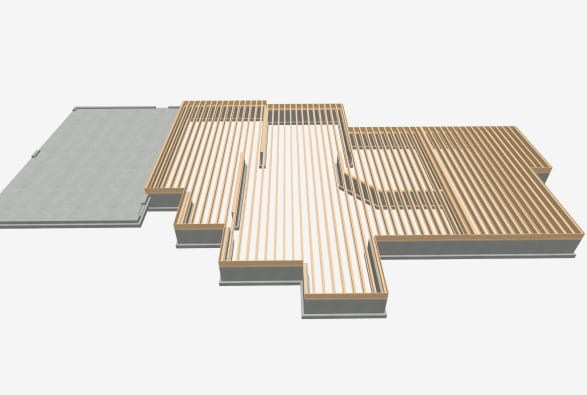
| Automatic building tools for framing and electrical | ![]() |
![]() |
![]() |
![]() |
- | - |
| Ceiling Plane tool – create custom ceilings of any slope and shape; vaulted, cathedral, and more | ![]() |
- | - | - | - | - |
| Building tools to customize floors and ceilings. Control over ceiling height and vault. Use any floor materials you like | ![]() |
![]() |
![]() |
![]() |
- | ![]() |
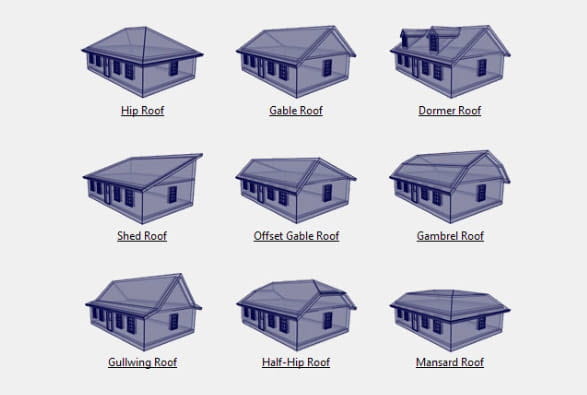
| Automatic Roofs: gable, hip, shed, gambrel, and more | ![]() |
![]() |
![]() |
![]() |
![]() |
![]() |
| One-Click Auto Dormer™ – builds dormer on roof automatically while cutting a hole for the ceiling | ![]() |
![]() |
![]() |
- | - | - |
| Automatic Structural Dormers – builds dormers automatically with walls that reach the floor | ![]() |
- | - | - | - | - |
| Unblock and manually edit Automatic Dormers | ![]() |
- | - | - | - | - |
| Auto Roof Returns™ | ![]() |
![]() |
![]() |
- | - | - |
| Create any custom roof plan with the Manual Roof tools. Edit and create roof planes to create a roof of any pitch and shape. Start with an automatic roof and then add custom details, or create the entire roof manually | ![]() |
- | - | - | - | - |
| Customize construction methods for walls, floors, ceilings, and foundations. For example, identify the exact placement of a framing component. Specify wall layers, floor structure, platform height, mudsills, framing methods, and more | ![]() |
- | - | - | - | - |
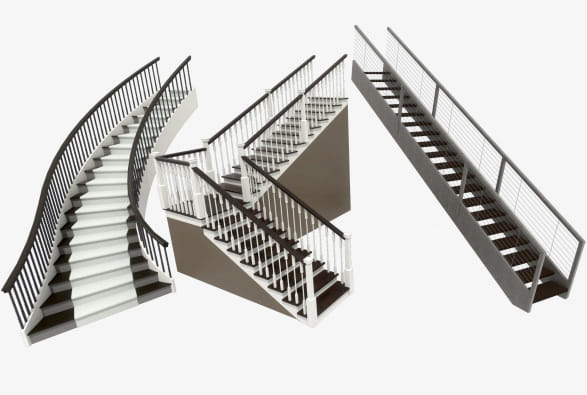
| Advanced stair tools allow control of shape, starter treads, flaring, tread width, and more. Full control over curved staircases | ![]() |
Limited | - | - | - | - |
| Wrap Around Stairs – join stairs on outside or inside corners | ![]() |
![]() |
![]() |
![]() |
![]() |
![]() |
| One-Click Stairs – add stairs to terrain, or sunken room with a single click | ![]() |
![]() |
![]() |
![]() |
![]() |
![]() |
| Create pony walls and edit wall shape in cross-section view. Add beadboard to a kitchen, add stone to the outside of your design, or create a stepped foundation for a hillside lot | ![]() |
Limited | - | - | - | - |
| Specify Foundation types by room | ![]() |
- | - | - | - | - |
| Elevation and Cross-Section cameras show the foundation in the view – see your basement, slab or crawlspace in a section view | ![]() |
![]() |
![]() |
![]() |
- | - |
| Manual framing tools for fully editable framing, including joists, rafters, trusses, beams, posts, and more. Create any framing system for your design | ![]() |
- | - | - | - | - |
| Automatic Framing – set the program to update your framing as the design changes | ![]() |
- | - | - | - | - |
| Specify the size and style (In Line, Stagger, or Cross) of Roof Blocking and Bridging | ![]() |
- | - | - | - | - |
| Advanced architectural object editing including replication, rotation, and reflection | ![]() |
- | - | - | - | - |
| Multiple-select editing. For example, select all your cabinets and change them all with one command | ![]() |
- | - | - | - | - |
| Use Edit Area to select, move, edit, and copy entire regions of your design | ![]() |
![]() |
![]() |
![]() |
![]() |
![]() |
| Use callouts to reference between details, plans, and cross-sections in a blueprint layout | ![]() |
- | - | - | - | - |
| Create blueprint layouts with 3D, CAD, Cross-Section\Elevation, and Plan Views | ![]() |
- | - | - | - | - |
| Plan Export – exports a bundle of all the files referenced in your plan, good for sharing with other users who do not have your custom materials and images | ![]() |
- | - | - | - | - |
| Rotate and Flip Plan | ![]() |
- | - | - | - | - |
| Design and edit Custom Countertop shapes and styles | ![]() |
![]() |
- | - | - | - |
| Landscaping, Decking, & Terrain Tools | ||||||
| Landscaping Plants | 3,600+ | 3,600+ | 1,500+ | 500+ | 3,600+ | Interior Plants Only |
| Plant Encyclopedia & Plant Chooser™ | ![]() |
![]() |
![]() |
- | ![]() |
- |
| Plant Hardiness Zone Maps | ![]() |
![]() |
![]() |
- | ![]() |
- |
| Plant Schedules – Generate a list of all the plants used in your design | ![]() |
![]() |
- | - | ![]() |
- |
| Grow Plants Slider Tool: 0 – 20 years | ![]() |
![]() |
- | - | ![]() |
- |
| Distribute Objects in Garden Beds – fill in your garden planting automatically | ![]() |
![]() |
![]() |
![]() |
![]() |
- |
| Show plants with filled colors in your 2D landscape design | ![]() |
![]() |
![]() |
![]() |
![]() |
- |
| New plant symbol types allow you to customize the look and feel of your landscape and plants | ![]() |
![]() |
![]() |
![]() |
![]() |
- |
| Lock and Reset the aspect ratio for plants and images – choose to stretch or resize plants and images based on your design needs | ![]() |
![]() |
![]() |
![]() |
![]() |
![]() |
| Landscaping Style Templates | ![]() |
![]() |
- | - | 40+ Landscape Templates | - |
| Complete Deck & Fence Tools | ![]() |
![]() |
- | - | ![]() |
- |
| Advanced Railing Tools: Custom Railing Panels, Control of Height & Railing Styles – Great for Custom Decks | ![]() |
![]() |
![]() |
- | ![]() |
- |
| Advanced Fence Tools: Control Height of individual Fence Components | ![]() |
![]() |
- | - | ![]() |
- |
| Pre-designed garden beds | ![]() |
![]() |
- | - | ![]() |
- |
| Standard Landscaping Terrain Tools | ![]() |
![]() |
![]() |
![]() |
![]() |
- |
| Advanced Landscaping Terrain Tools – hill and valley tools for terrain features | ![]() |
![]() |
![]() |
- | ![]() |
- |
| Terrain Hole Tool: Cut holes in Terrain – great for pools, spas, and advanced terrain features | ![]() |
![]() |
![]() |
![]() |
![]() |
- |
| Advanced Terrain editing Tools | ![]() |
![]() |
- | - | ![]() |
- |
| Define custom Terrain, including sloped lots and input elevation points | ![]() |
![]() |
![]() |
- | ![]() |
- |
| Input accurate elevation data for true to life Terrain models | ![]() |
![]() |
- | - | ![]() |
- |
| Import Terrain Wizard | ![]() |
![]() |
![]() |
- | ![]() |
- |
| Create split-entry homes with daylight basements | ![]() |
![]() |
![]() |
- | ![]() |
- |
| Straight & Curved Terrain Walls, Curbs, & Retaining Wall Tools | ![]() |
![]() |
![]() |
Straight Only | ![]() |
- |
| Straight & Curved Roads & Sidewalks, & Driveway & Parking Lot Tools | ![]() |
![]() |
![]() |
Straight Only | ![]() |
- |
| Stepping Stone Tools | ![]() |
![]() |
- | - | ![]() |
- |
| Water Feature Tools: create various shaped ponds and water features or design a lake front home | ![]() |
![]() |
![]() |
Round Only | ![]() |
- |
| Stream Tools – add streams, creeks and water features to your design | ![]() |
![]() |
- | - | ![]() |
- |
| Image/Plant Object Specification: set the x and y coordinates for image and plant objects – for specific planting definition | ![]() |
![]() |
- | - | ![]() |
- |
| Define Terrain Elevation Splines, Elevation Regions, and Terrain Breaks | ![]() |
![]() |
Elevation Regions | - | - | - |
| Polygon Deck tool creates deck shapes automatically | ![]() |
![]() |
![]() |
- | ![]() |
- |
| Deck Planking Control – change angles and create patterns with deck planking | ![]() |
![]() |
- | - | ![]() |
- |
| Import GPS Wizard – quickly model your terrain with GPS data | ![]() |
![]() |
![]() |
- | ![]() |
- |
| Dimension to Plants & Images | ![]() |
![]() |
![]() |
- | ![]() |
![]() |
| General/Support | ||||||
| Maximum Print Size | Architectural C 18" x 24" | 12" x 18" | 12" x 18" | 8.5" x 14" | 12" x 18" | 12" x 18" |
| Loan/Mortgage Calculator | ![]() |
![]() |
![]() |
- | - | - |
| Fully editable working environment including customizable toolbars | ![]() |
- | - | - | - | - |
| Compatible with: 3D Home Architect® (Version 4.0 and prior) | ![]() |
![]() |
![]() |
![]() |
![]() |
![]() |
| Compatible with Chief Architect® (Version 10.0 and prior) |
Viewing Mode Only | Viewing Mode Only | Viewing Mode Only | Viewing Mode Only | Viewing Mode Only | Viewing Mode Only |
| Compatible with Chief Architect® (Version X1) |
Full Editing | Basic Editing, Change Materials & Colors, Move Furniture | Basic Editing, Change Materials & Colors, Move Furniture | Basic Editing, Change Materials & Colors, Move Furniture | Basic Editing, Change Materials & Colors, Move Furniture | Basic Editing, Change Materials & Colors, Move Furniture |
| Compatible with Chief Architect® (Version X2) |
Full Editing | Basic Editing, Change Materials & Colors, Move Furniture | Basic Editing, Change Materials & Colors, Move Furniture | Basic Editing, Change Materials & Colors, Move Furniture | Basic Editing, Change Materials & Colors, Move Furniture | Basic Editing, Change Materials & Colors, Move Furniture |
| Online Training Tutorials with "How-To" videos | 80+ videos | 40+ videos | 30+ videos | 25+ videos | 40+ videos | 40+ videos |
| Free online technical support | ![]() |
![]() |
![]() |
![]() |
![]() |
![]() |
| Searchable Training Videos – use keywords to find exactly the help you need | ![]() |
![]() |
![]() |
![]() |
![]() |
![]() |
| Windows® 7 / Vista / XP Compatible | ![]() |
![]() |
![]() |
![]() |
![]() |
![]() |
| Chief Architect® 2010 Technology | ![]() |
![]() |
![]() |
![]() |
![]() |
![]() |