Adding a Decorative Crown Molding to a Room
Pro | Architectural | Suite
QUESTION
I want to add a decorative crown molding to my rooms. How can I do this?
ANSWER
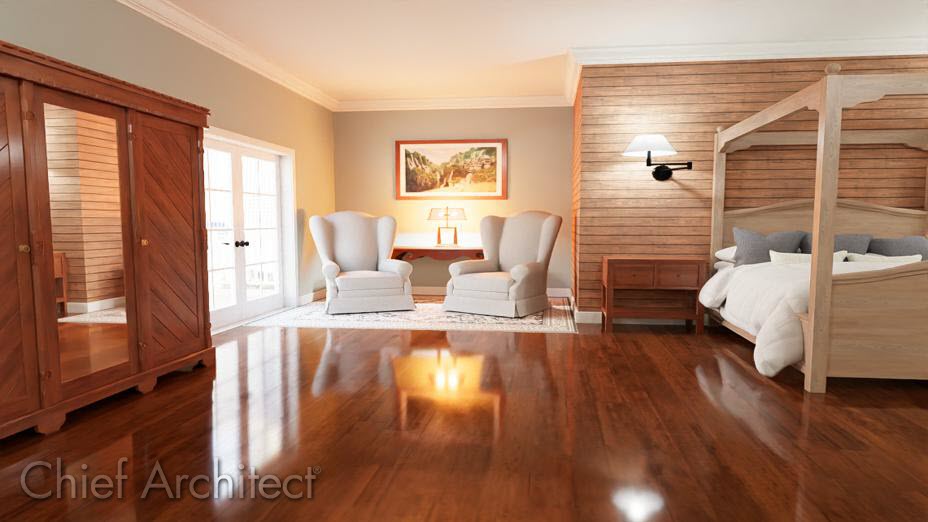
Crown molding is not configured in the default template, however you can set up your defaults so that when you create a new room, crown molding will be automatically placed.
To add crown molding
- In the file you'd like to configure your crown molding, select Edit> Default Settings
 , expand the Floors and Rooms category, expand the Floor Levels subcategory, select the Floor you'd like to modify, then click Edit.
You can also configure moldings on a per room type basis; instead of accessing the different Floor Levels as mentioned above, click on Room Types, then click Edit.
- On the Moldings panel of the Floor Defaults or Room Type Defaults dialog that opens:
- Click Add New to add a new molding profile.
If you're modifying the Room Type Defaults, and you don't want the room to follow the floor defaults, you must first uncheck the Use Floor Defaults box.
Note: In the default template there is only a Base Molding specified for new rooms. You can also apply additional crown, chair rail, and base Moldings on a room-by-room basis in the Room Specification dialog if, for example, you wanted to have different moldings in your Living Room than the Kitchen or Bath areas.
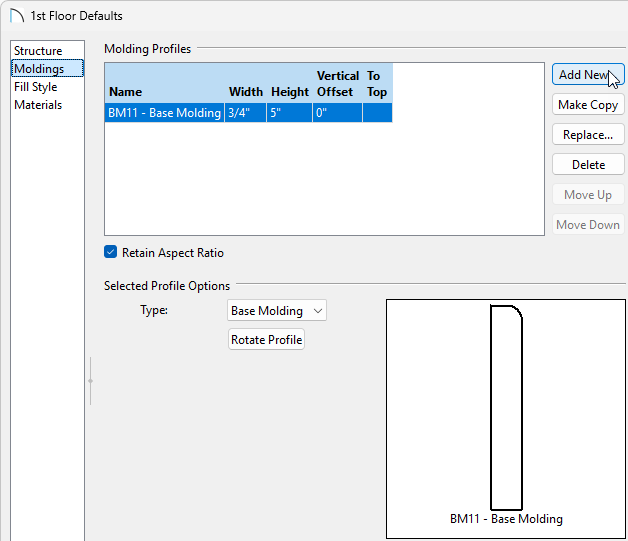
- In the Select Library Object dialog, navigate to an appropriate molding profile, then click OK.
- Click Add New to add a new molding profile.
- In the Molding Profiles section, set the Width, Height, and Offset values, if necessary.
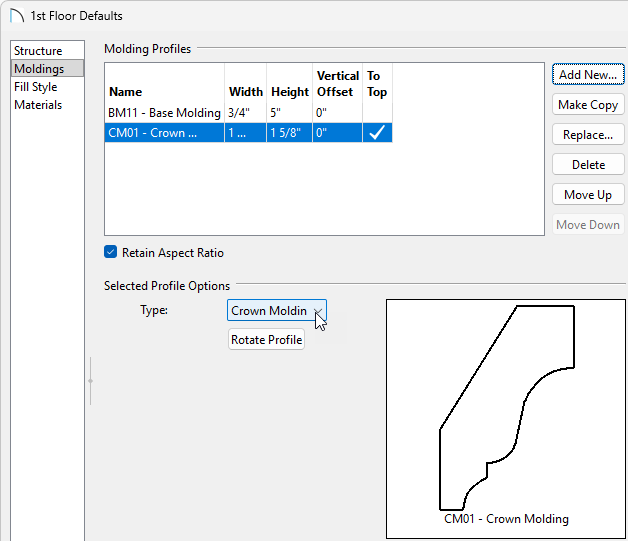
- Verify that the Type is set to Crown Molding, then click OK and Done to return to your plan view.
If you'd like future projects to have this configured by default, you can create a Plan Template. Please see the Related Articles for more information.
Now, any new rooms you create in this plan will have the crown molding you have specified. As mentioned above, you can also add different molding profiles to individual rooms if you desire. This is recommended for any rooms that have already been established in the current project.